Customer access
Know where your customers find the changes your store allows, from My Account or from the signed link in guest emails, so you can point them there.
On this page
This page covers the Free Edition, Atelier - Cancel Order & Change Address for WooCommerce, from version 1.0.0. Customers reach the changes your store allows in two ways: from My Account if they have an account, and from a signed link in their emails if they bought as guests.
My Account
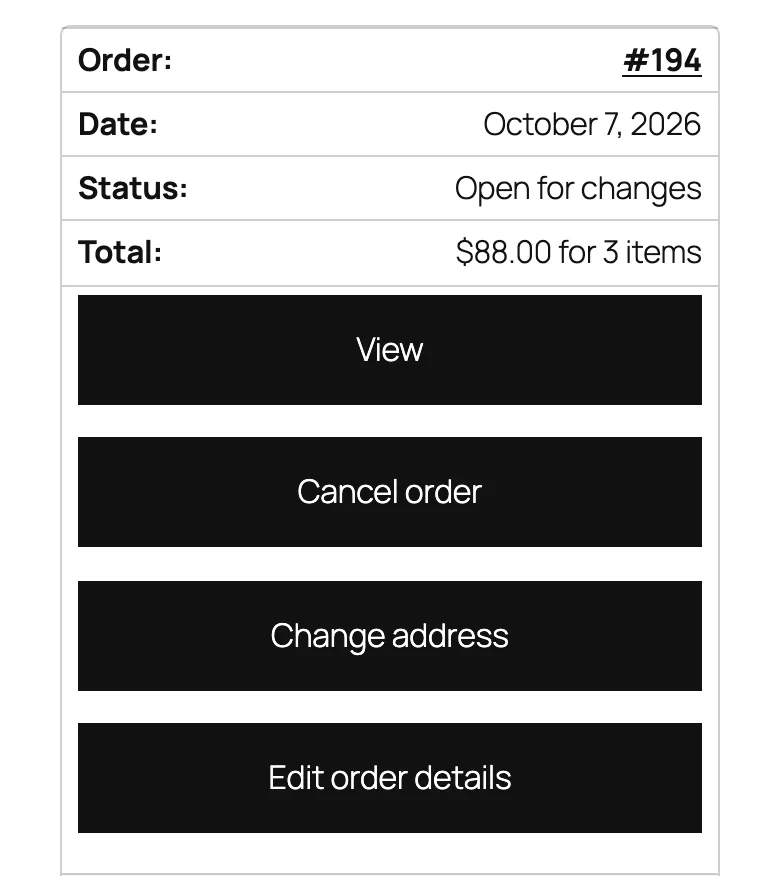
While an order’s window is open, the order list in My Account > Orders shows the order as Open for changes, with a button for each change available on it: Cancel order, Change address and Edit order details. Each button opens the order’s page at that change.
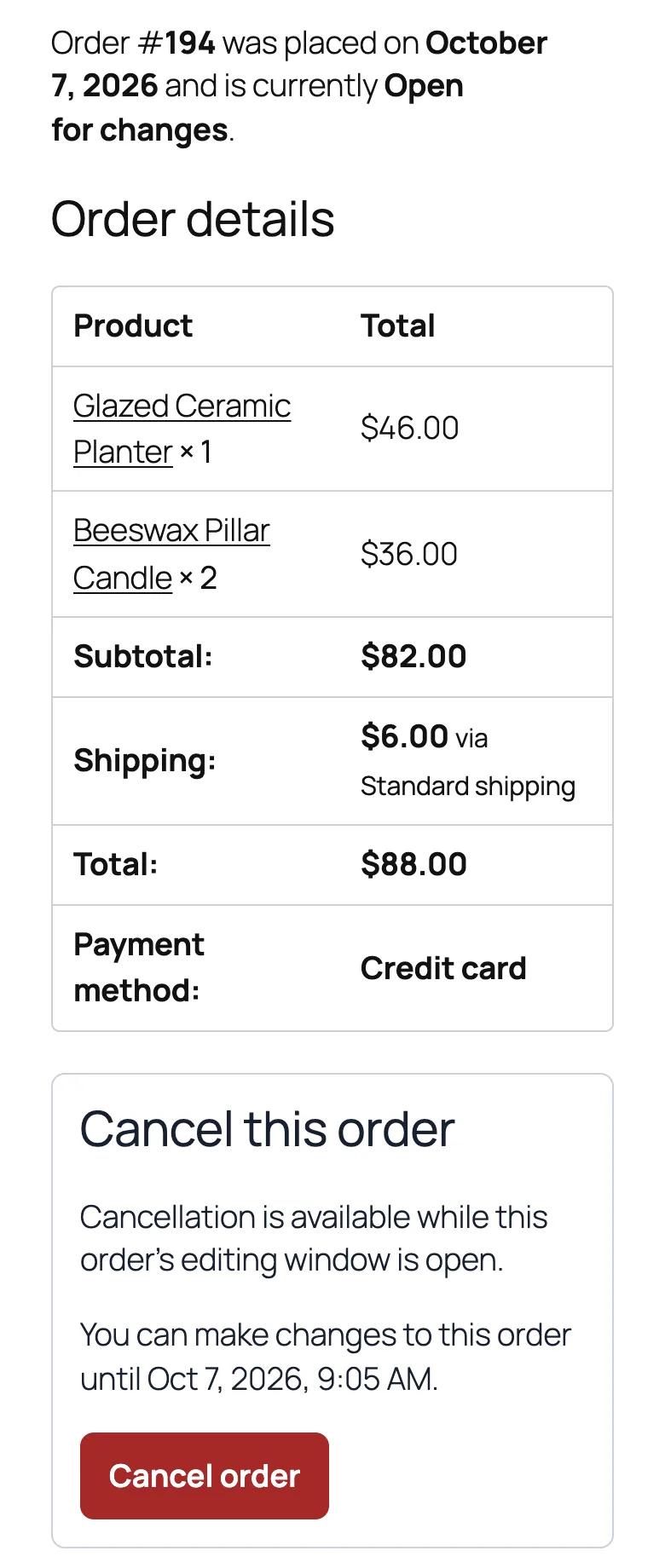
On the order’s page, under the order details, each change has a card: Cancel this order, Change address or Edit order details. The card shows your text for that change, “You can make changes to this order until” with the closing time, and the form to make it. Only the account that placed the order can use them.
Once the window has closed, the order’s page says so instead of offering the change.
Guest orders
Someone who buys without an account has no My Account to go to. With Guest access on, the emails the customer receives for that order while it can still be changed carry a Manage order link:
- The Guest order management link email, when the order enters its window.
- The request updates, after the guest sends a change that needs your approval and when you approve or reject it.
- The edit summary, after the guest changes the address or the order details.
- A note to the customer that you add on the order.
Store rules says when each of these emails is sent.
The link opens a page of your store, without signing in, with the order number, until when the order can be changed, and the changes available with the current values each one needs.
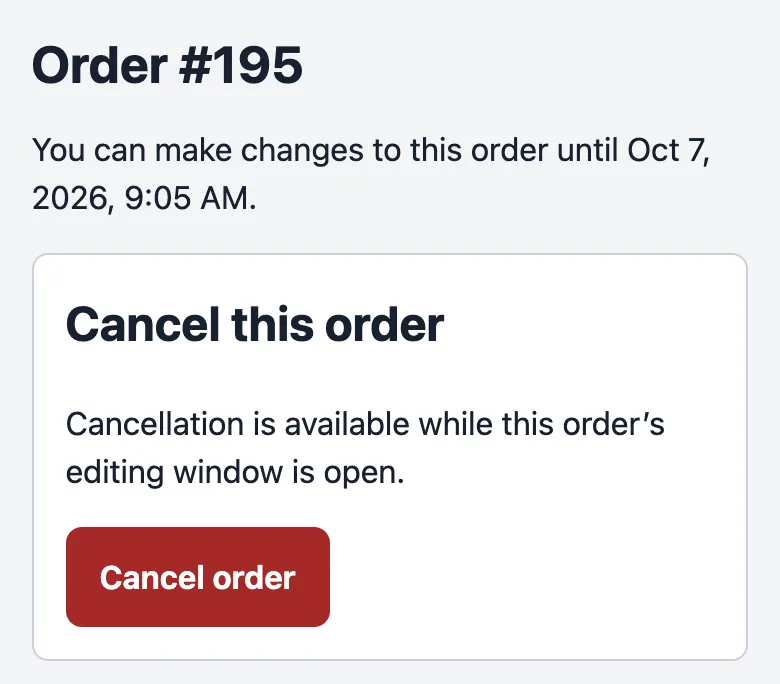
- The link is signed for that order and stops working when the window closes.
- Too many attempted changes from the same IP address make the page ask the guest to wait: Troubleshooting gives the limit.
- Orders placed from a customer account get no link: their customers use My Account.
Other places in your store
The Free Edition offers the changes only in these two places: it has no block or shortcode to show them elsewhere.
Page caching
My Account and the guest page tell page caches not to store them, with the DONOTCACHEPAGE
constant and WordPress’s no-cache headers. If your caching plugin ignores both, exclude the My
Account pages and the URLs that contain wcoe_guest_order from its cache.
Languages
The plugin ships in English and Spanish. Customers see its screens and emails in Spanish when your site’s language is Spanish (Spain), and in English otherwise.
The texts you write yourself, such as the customer texts and the email subjects and headings, are shown exactly as you wrote them, in any language.