Switch between Free and Pro
Move from Free to Pro, or back, without losing your reviews, media or settings.
Free and Pro are complete plugins from version 1.0.0, each in its own folder, and they share the same reviews, media and settings: switching keeps them. Only one Edition runs at a time.
Important: Back up your store first, and activate the new Edition before you deactivate the other. Deactivating the only active Edition cancels the review request emails that are still waiting to be sent.
From Free to Pro
Before you start:
- A backup of your store.
- The Pro ZIP, downloaded from your Plugins Atelier account.
- In your WordPress admin, go to Plugins > Add New Plugin > Upload Plugin.
- Choose the Pro ZIP file.
- Select Install Now.
- Select Activate Plugin. Pro waits while Free is still active.
- In Plugins, select Deactivate under Atelier Visual Reviews – Photo & Video Product Reviews for WooCommerce. Pro starts at once, and the review requests already scheduled are kept.
Visual Reviews > Settings then says Pro edition in its Edition card, with the Platform services card above it, and your reviews are still in Visual Reviews > Manage reviews.

If you activate Pro while Free is still active, Pro stays idle and shows this notice: “Atelier Visual Reviews – Photo & Video Product Reviews for WooCommerce Pro is not running because the Free edition is also active. Deactivate the Free edition to use Pro.”
To receive updates and support, connect Pro to your account: Get started has the steps.
From Pro to Free
Free does not use the Pro-only settings or show the Pro-only gallery and shortcodes. They stay saved, and they are there again if you return to Pro.
Before you start:
- A backup of your store.
- In your WordPress admin, go to Plugins > Add New Plugin.
- Search for Atelier Visual Reviews – Photo & Video Product Reviews for WooCommerce.
- Select Install Now on its card.
- Select Activate.
- In Plugins, select Deactivate under Atelier Visual Reviews – Photo & Video Product Reviews for WooCommerce Pro. The review requests already scheduled are kept.
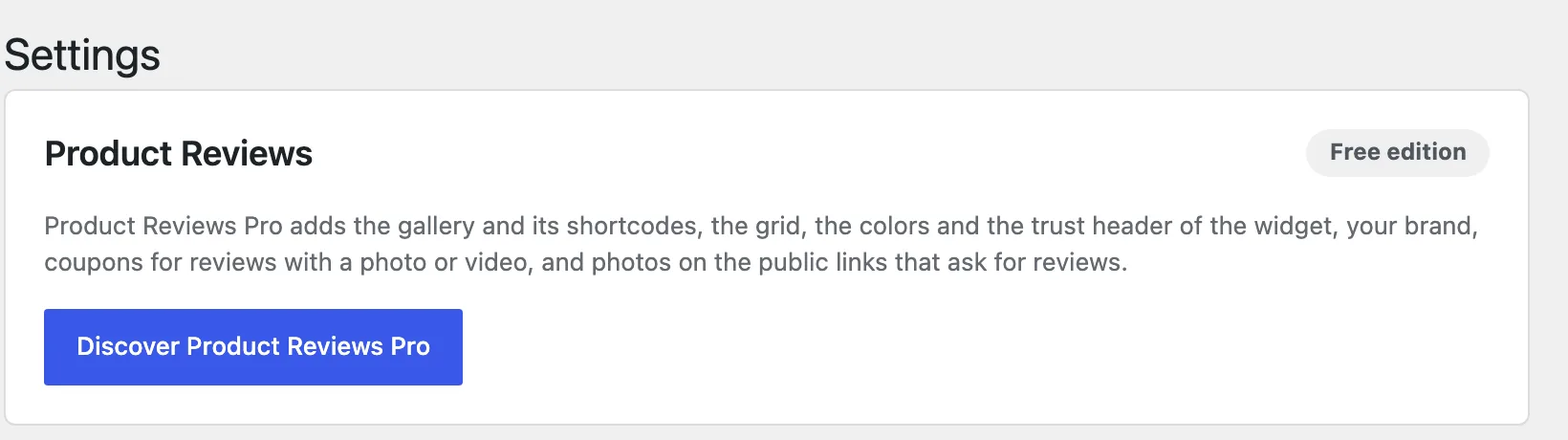
Visual Reviews > Settings then says Free edition, without the Platform services card.
Delete the Edition you no longer use
Once you have switched, you can delete the other Edition from Plugins. Privacy says what deleting an Edition keeps and what it removes.